Take control of your medical records.
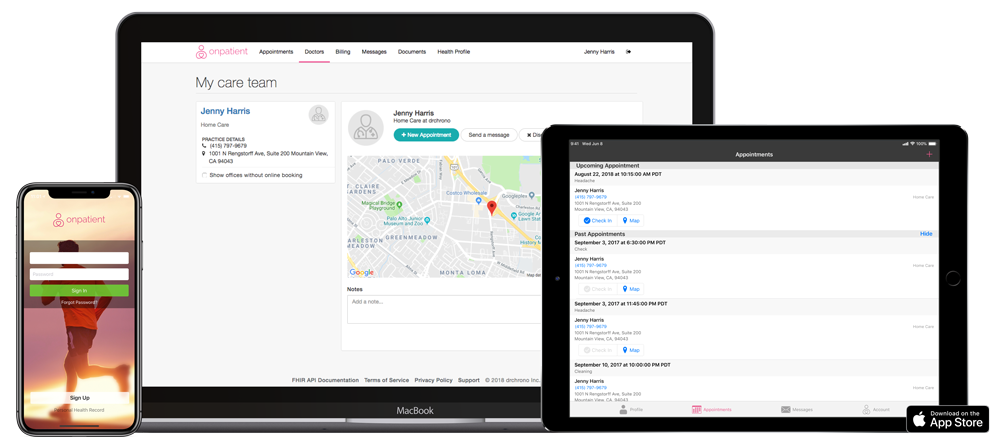
Securely connect with all your medical providers with OnPatient, trusted by over 13 million users. Gain access to your information via web or the OnPatient App.
How to Connect

STEP 1
Ask your provider to send you an email invite to the OnPatient Portal.

STEP 2
Open the OnPatient invite email, press the “sign up” button and register online.

STEP 3
Download the OnPatient app from the Apple App Store.

STEP 4
Launch the OnPatient app and log in to connect to your medical provider.
Through the OnPatient portal, you can
- Fill out any paperwork before your appointment to make checking in easier
- View your upcoming appointments and check-in online
- Schedule and cancel appointments from your computer or mobile device
- Message your doctor through a HIPAA compliant portal
- Manage your contact and insurance information
- Access your medical record
- Have educational material sent directly to your account
- Connect your child's account and manage their health record with yours
- View statements and pay online
* Each practice personalizes OnPatient, some of these features may not be available.